DeepDream Desktop App
A downloadable tool
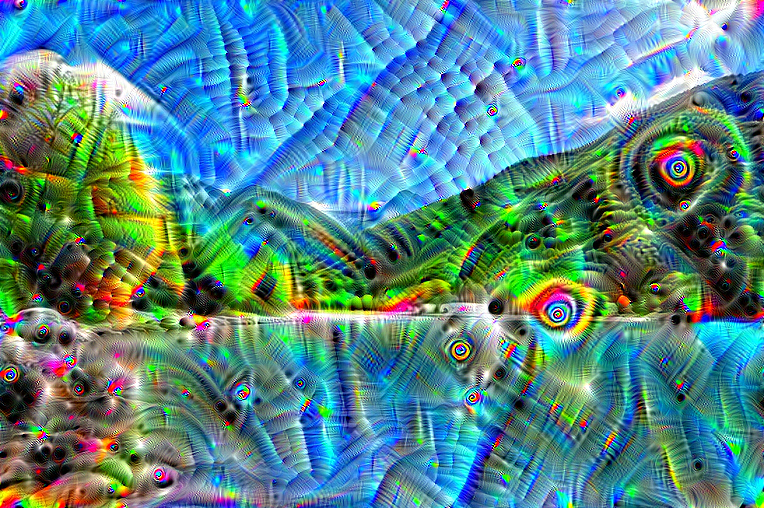
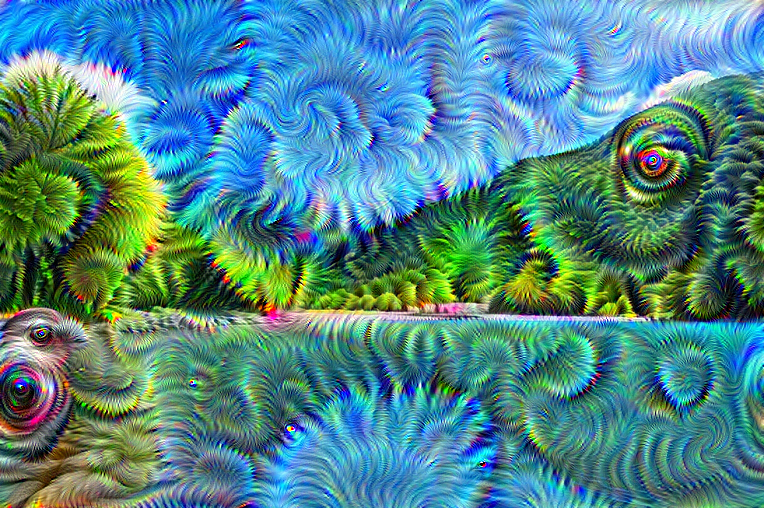
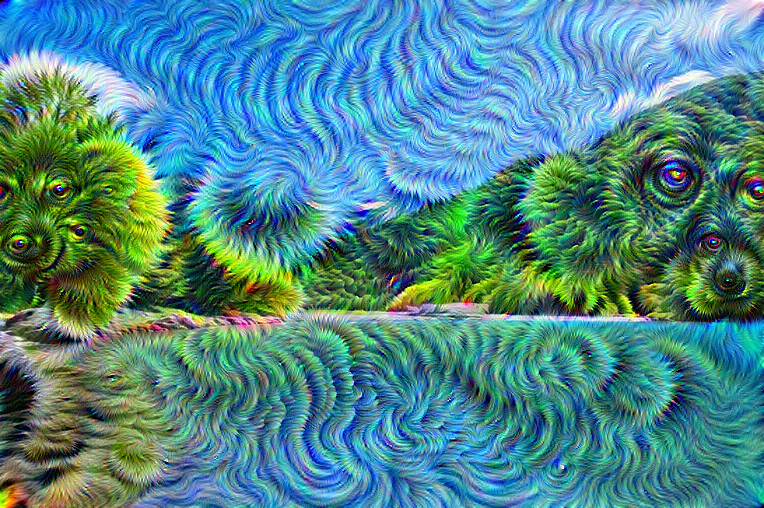
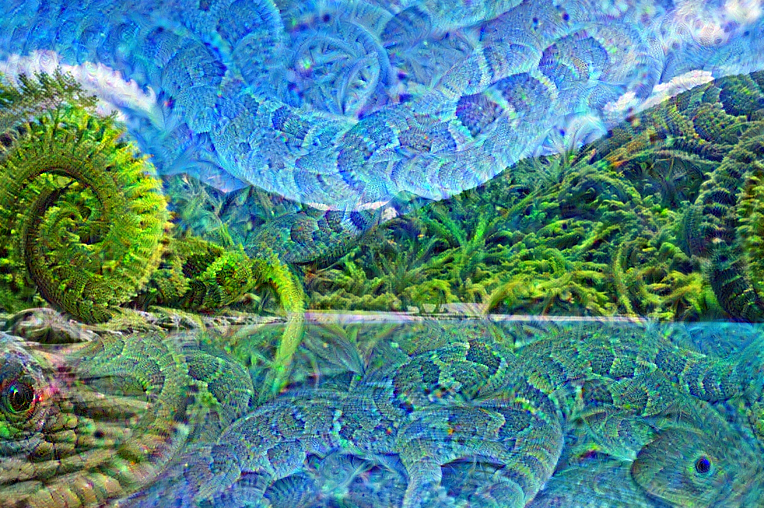
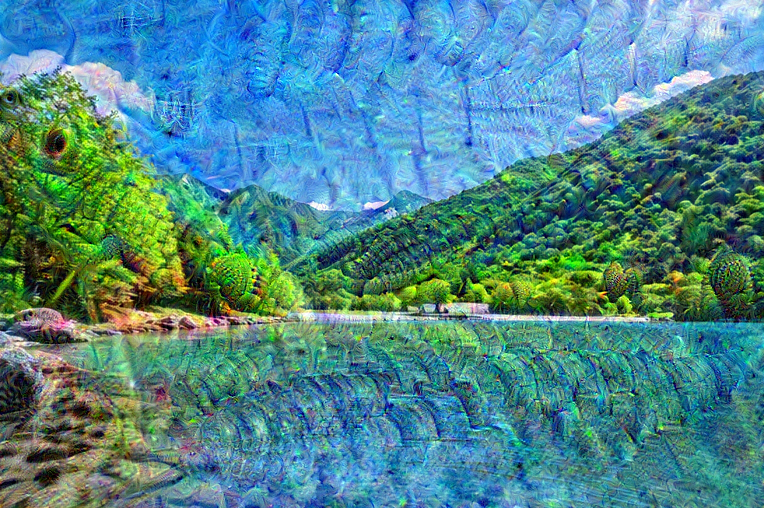
DeepDream Desktop App turns JPG and PNG images into DeepDream artwork on Windows. Choose from nine GoogLeNet layers and six presets, then adjust Iterations, Step Size, Octaves, Octave Scale, and Jitter to control the result.
See about DeepDream https://share.google/Y1X3CAWLffxzfGPZs
Dream Preview and Full Render use the same source-resolution, fixed-seed processing path. If the settings remain unchanged, Full Render produces the result shown in Preview. Only the on-screen Preview display is scaled to fit the window.
The app can also create a silent 18-second progression video from a still image. It performs 240 consecutive DeepDream updates and passes each generated result into the next update. The return sequence plays the actual generated path in reverse. It does not use crossfades, alpha blending, blending between completed images, or AI frame interpolation.
The progression video contains a one-second source-image hold at each end and is exported as a 30 fps, 540-frame H.264 MP4 or MOV.
Features
- JPG, JPEG, and PNG input
- PNG and JPEG still-image export
- Nine selectable GoogLeNet layers
- Six presets and adjustable DeepDream parameters
- Matching Dream Preview and Full Render results
- Silent 18-second H.264 progression-video export
- Bundled GoogLeNet weights, FFmpeg, and required runtimes
- Offline operation with no first-run model download
System requirements
- 64-bit Windows 10 or Windows 11
- 64-bit x86 CPU with four or more cores recommended
- 8 GB system memory minimum; 16 GB recommended
- 1.0 GB or more free storage
Installation
- Download the Windows CPU edition.
- Fully extract the downloaded folder.
- Run
DeepDream.exe.
Keep DeepDream.exe and the _internal folder together. The executable cannot run by itself. Python, PyTorch, Qt, and FFmpeg do not need to be installed separately.
Usage notes
Processing time and memory use vary with image size, selected layer, Iterations, and Octaves. Dream Preview also processes at the original image resolution. Progression-video input is limited to a 768-pixel long edge.
Before using generated output, verify any copyright, publicity, trademark, or other third-party rights associated with the source image and result.
License and source notice
The original application is distributed under the included EULA. Third-party components remain governed by their own licenses.
This software uses FFmpeg under LGPLv3. The exact corresponding FFmpeg source package, build information, changes, and external-library license material are provided as a separate download on this page. Additional notices are included in THIRD_PARTY_NOTICES.txt inside the application folder.
Download
DeepDream CPU v1.3 — Windows 64-bit
No NVIDIA GPU is required.
Support
For support, use the contact or community function on this itch.io project page. Include the Windows version, CPU model, input image dimensions, settings, and complete error message.
Prices, refunds, and update availability follow the terms displayed on this itch.io project page.
Purchase
In order to download this tool you must purchase it at or above the minimum price of $10 USD. You will get access to the following files:

Leave a comment
Log in with itch.io to leave a comment.